Best CRM for Restaurants to Boost Guest Loyalty

-

Key Takeaways
Looking for the top restaurant CRM software without reading the full review? Here are our top three recommendations. Nutshell leads the pack for growing restaurants seeking powerful features without complexity, while Toast excels for those wanting an all-in-one POS and CRM solution. SevenRooms rounds out the top picks for upscale establishments needing sophisticated guest management.
Our selection criteria focused on ease of use, restaurant-specific capabilities, and value for money. Pricing ranges from free trials to $249 per month or more, with options to suit every restaurant size and style. The key difference? Some solutions offer restaurant-specific features out of the box, while customizable CRMs like Nutshell provide flexibility to match your unique workflows—often at a fraction of the cost.
Let’s explore each solution in detail to help you find the perfect fit for your restaurant’s unique needs.
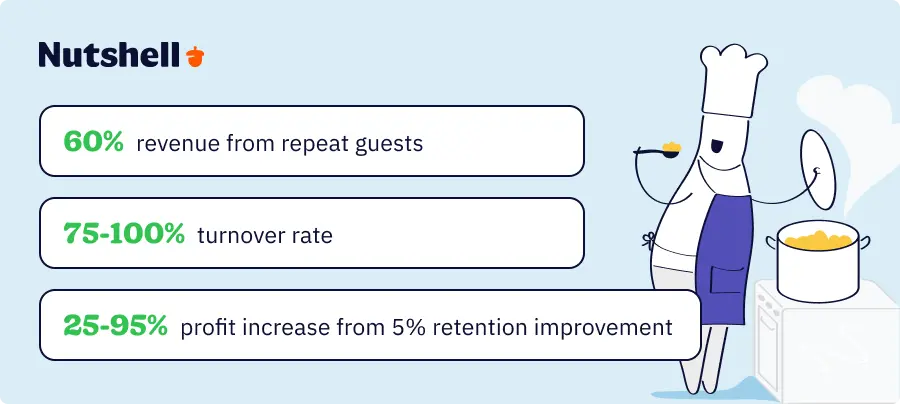
With 60% of restaurant revenue coming from repeat guests, building lasting customer relationships has never been more critical for restaurant success. Yet the industry’s staggering 75-100% annual staff turnover rate means valuable guest knowledge walks out the door with every departing employee.
That’s where the best CRM for restaurants becomes essential—preserving customer preferences, automating personalized marketing, and ensuring every guest feels remembered, no matter who’s working that shift. This helps keep guests coming back. And since a 5% increase in customer retention can boost profits by 25-95%, investing in CRM is one of the smartest moves for your restaurant’s future.
In this comprehensive guide, we’ll compare nine leading CRM solutions designed to help restaurants combat turnover challenges while building the loyal customer base that drives profitability. You’ll discover which platforms excel at different restaurant needs, learn how to choose the right CRM, and get practical implementation guidance.
At a glance: Best CRM solutions for different restaurant needs
- Nutshell (4.8/5): Best for growing restaurants seeking simplicity and scalability
- Toast (4.6/5): Best for restaurants wanting an all-in-one POS and CRM solution
- SevenRooms (4.5/5): Best for upscale dining establishments and hospitality groups
- Square for Restaurants (4.2/5): Best for small restaurants already using Square POS
- OpenTable (4.0/5): Best for restaurants prioritizing reservation management with CRM features
- Fishbowl (3.9/5): Best for data-driven restaurants focused on analytics and insights
- Popmenu (3.7/5): Best for restaurants emphasizing digital marketing and online presence
- Eat App (3.5/5): Best for reservation-focused restaurants seeking affordable CRM features
- HubSpot (3.3/5): Best for restaurants wanting powerful marketing automation capabilities
Table of Contents
- How we selected the best CRM for restaurants
- Key features every restaurant CRM should have
- Quick comparison: Best restaurant CRM software at a glance
- Best CRM software for restaurants: Detailed reviews
- How to choose the right CRM for your restaurant
- Restaurant CRM implementation: Timeline and best practices
- Calculating ROI: What to expect from your restaurant CRM investment
- Transform your restaurant with the right CRM
- Frequently asked questions
How we selected the best CRM for restaurants
We evaluated each CRM using six critical criteria, weighted by their importance to restaurant operations.
- Ease of use (25%) earned the highest weight—with 75% annual turnover being the norm in restaurants, your CRM must be intuitive enough for new staff to master quickly.
- Restaurant-specific features (20%) came next, examining both built-in capabilities and customization options for tracking dietary preferences, table preferences, and special occasions.
- Customer data management capabilities (20%) proved essential for building comprehensive guest profiles across multiple touchpoints.
- We assessed marketing capabilities (15%) for tactics such as automated birthday campaigns, win-back sequences, and loyalty program integration.
- Pricing and value (10%) considered the total cost of ownership, including setup, training, and ongoing fees.
- Integration options (10%) evaluated connections with POS systems, reservation platforms, and delivery services.
Our methodology included analyzing user reviews, conducting real-world case studies, and considering the needs of both independent restaurants and multi-location chains.
We specifically looked for solutions that address the unique challenges of CRM for restaurant chains, where consistent service delivery across locations is crucial. This thorough research process helps us recommend solutions for restaurants of every size and style.
Key features every restaurant CRM should have
Before diving into our detailed reviews, let’s establish the essential features that restaurants need in a CRM. Understanding these capabilities will help you evaluate which solution best matches your operational needs.
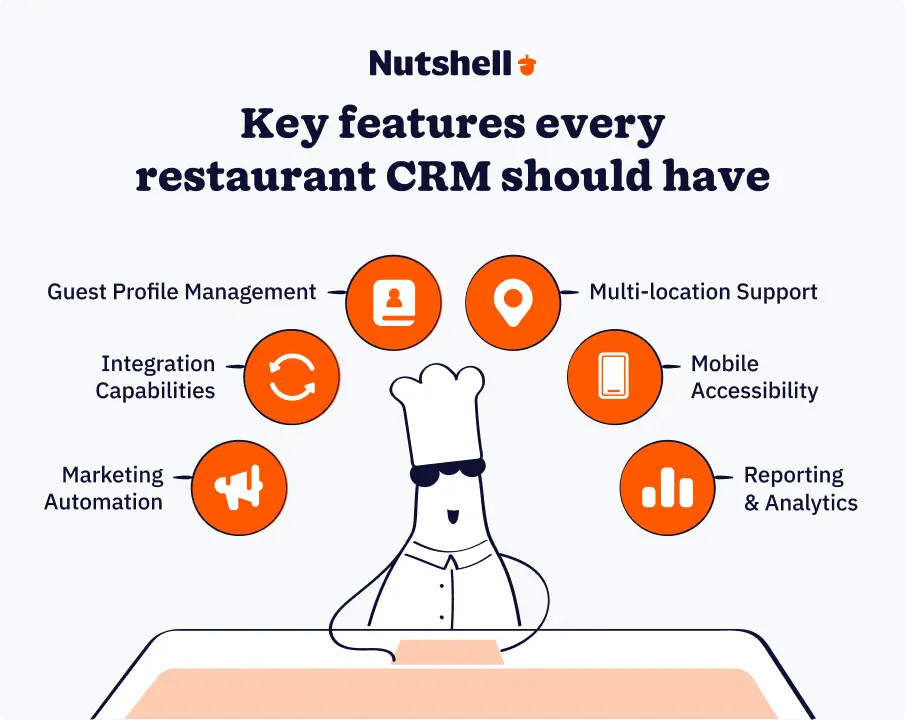
Guest profile management
Modern restaurant CRM software needs to go beyond basic contact information to capture the nuances that create memorable dining experiences.
To make the most of CRM, restaurants can track dietary restrictions and allergies to ensure guest safety and satisfaction, as well as record table preferences, favorite servers, and preferred seating areas. You can also note special occasions like birthdays and anniversaries for personalized touches.
CRM platforms like Nutshell allow unlimited custom fields to capture these nuances—from wine preferences to conversation topics—ensuring every guest feels remembered.
Integration capabilities
Your CRM should seamlessly connect with existing restaurant technology. POS integration automatically captures transaction data, building guest profiles without manual entry. Reservation system connections pull in booking history and no-show patterns. Delivery platform integration tracks off-premise ordering behavior.
Look for open APIs that can help you connect with loyalty programs, gift card systems, and kitchen display systems. These integrations eliminate data silos and provide a complete view of each guest’s relationship with your restaurant.
Marketing automation
With 81% of consumers willing to join restaurant loyalty programs, automated marketing becomes essential for engagement at scale.
With marketing automation, restaurants can create campaigns such as:
- Birthday messages that send personalized offers days before the celebration
- Win-back sequences targeting guests who haven’t visited in 60 days or more
- Loyalty programs that reward frequent visits and higher spending
The best restaurant CRM platforms enable sophisticated segmentation—targeting wine lovers with tasting events or families with kids-eat-free promotions.
Multi-location support
Restaurant chains need centralized data management with location-specific flexibility. Guest profiles should follow customers across properties. This ensures their preferences are recognized at any location they visit.
Corporate teams need visibility into performance metrics across all restaurants while allowing individual managers to run location-specific campaigns. Look for role-based permissions that balance corporate oversight with local autonomy.
Mobile accessibility
Front-of-house staff need instant access to guest information at the table. Mobile-optimized CRM interfaces let servers check dietary restrictions, view past orders, and add notes in real time. Managers can monitor operations from anywhere, approving special requests or handling VIP arrivals remotely. Push notifications alert staff to important guests or special occasions. The best mobile experiences work offline too, syncing data when connectivity returns.
Reporting and analytics
Making data-driven decisions requires robust reporting capabilities. For example, reporting and analytics can help restaurants:
- Track guest lifetime value to identify your most profitable customers
- Monitor visit frequency to spot at-risk regulars before they defect
- Measure campaign ROI to optimize marketing spend
Advanced analytics reveal patterns such as which menu items drive repeat visits, optimal timing for promotional emails, or even how weather affects dining patterns. Look for customizable dashboards that surface the metrics most important to your restaurant’s success.
Best restaurant CRM software comparison table
CRM Name Rating Best For Nutshell 4.8/5 Growing restaurants seeking simplicity and scalability Toast 4.6/5 Restaurants wanting an all-in-one POS and CRM solution SevenRooms 4.5/5 Upscale dining establishments and hospitality groups Square for Restaurants 4.2/5 Small restaurants already using Square POS OpenTable 4.0/5 Restaurants prioritizing reservation management with CRM features Fishbowl 3.9/5 Data-driven restaurants focused on analytics and insights Popmenu 3.7/5 Restaurants emphasizing digital marketing and online presence Eat App 3.5/5 Reservation-focused restaurants seeking affordable CRM features HubSpot 3.3/5 Restaurants wanting powerful marketing automation capabilities Best CRM software for restaurants: Detailed reviews
Now that you’ve seen the overview, let’s dive deeper into each solution. We’ll explore their unique strengths, potential limitations, and ideal use cases to help you make an informed decision.
1. Nutshell
Rating: 4.8/5
Best for growing restaurants seeking simplicity and scalability
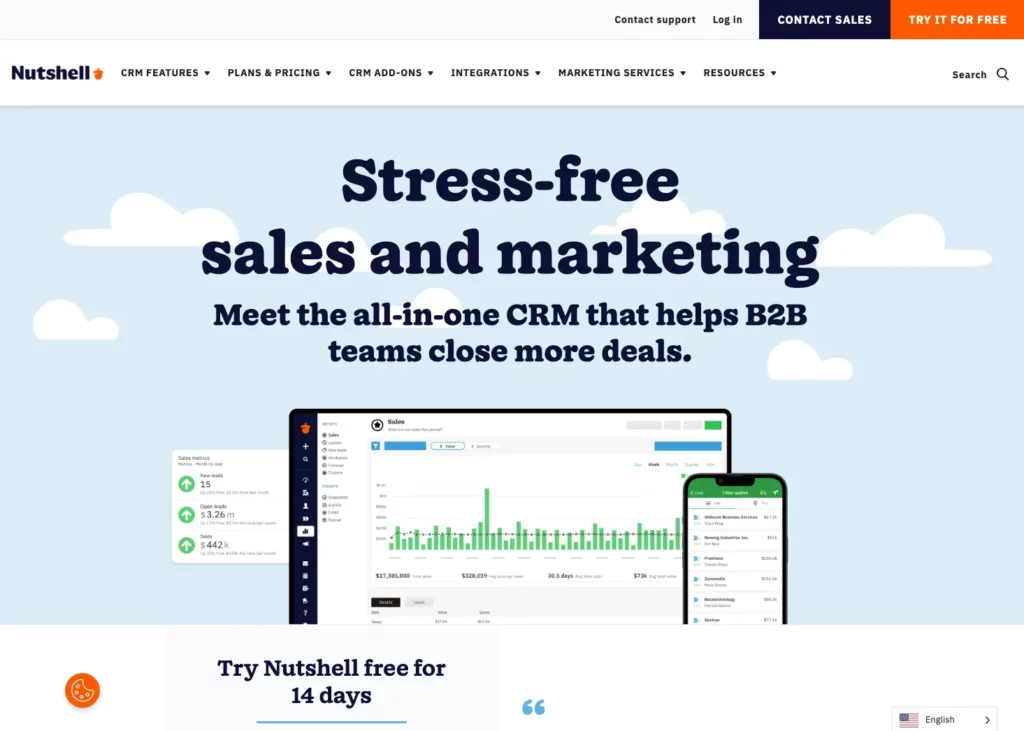
Quick Summary: Nutshell stands out with its intuitive interface that new staff can learn in hours, not weeks—crucial when facing high turnover. Its customizable fields adapt to any restaurant’s needs, from tracking gluten-free preferences to noting regulars’ favorite booth. The platform scales effortlessly from single locations to multi-unit operations.
Key features for restaurants:
- Custom fields for dietary preferences and special requests
- Flexible pipelines perfect for catering and event management
- Mobile app enabling tableside guest profile access
- Powerful automation for birthday campaigns and VIP alerts
Pros:
- Exceptionally easy staff training reduces onboarding time
- Highly customizable without requiring technical expertise
- Industry-leading customer support with real humans
- Transparent, affordable pricing with no hidden fees
Cons:
- Not restaurant-specific out-of-the-box
- Initial setup requires configuring for restaurant workflows
Pricing: Starting at $13/user/month when billed annually, with a 14-day free trial
Nutshell can transform your restaurant!
Try Nutshell free for 14 days and see how easy it to grow your business.
2. Toast
Rating: 4.6/5
Best for restaurants wanting an all-in-one POS and CRM solution
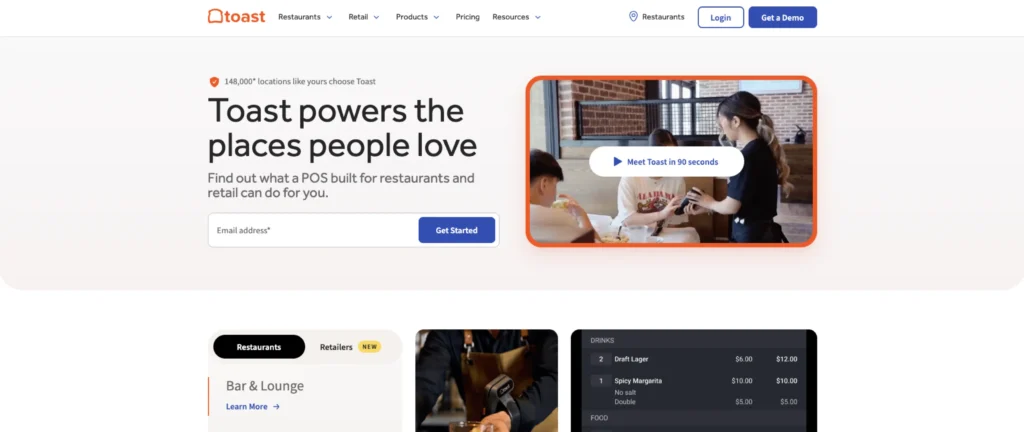
Quick Summary: Toast delivers a comprehensive restaurant platform where POS and CRM work in perfect harmony. Every transaction automatically updates guest profiles, building rich customer data without manual entry. The system excels at operational efficiency while maintaining strong guest relationship features.
Key features for restaurants:
- Built-in loyalty programs with customizable rewards
- Seamless POS integration capturing all transaction data
- Guest feedback tools integrated with operations
- Restaurant-specific reporting and analytics
Pros:
- Purpose-built for restaurants with industry-specific features
- Single vendor for POS, CRM, and operations
- Strong ecosystem of integrated apps
Cons:
- Can become expensive with add-on features
- Locked into Toast ecosystem, which limits flexibility
Pricing: Custom pricing, typically $69/month and up, plus hardware
3. SevenRooms
Rating: 4.5/5
Best for upscale dining establishments and hospitality groups
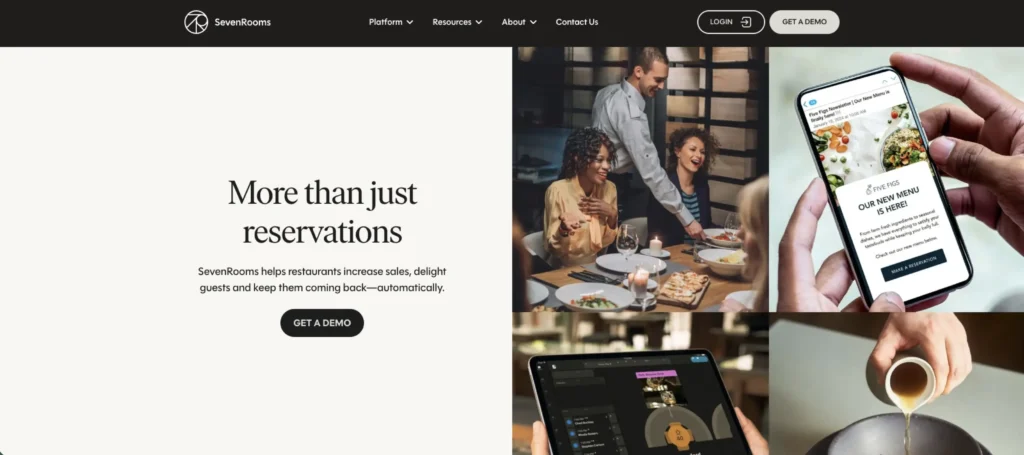
Quick Summary: SevenRooms caters to fine dining and hospitality venues requiring sophisticated guest management. The platform excels at creating memorable experiences through detailed preference tracking and proactive service tools. It’s the choice of Michelin-starred restaurants and luxury hotel groups worldwide.
Key features for restaurants:
- Advanced reservation and waitlist management
- Comprehensive guest profiling with unlimited tags
- Sophisticated marketing automation and segmentation
- Multi-property guest recognition
Pros:
- Unmatched features for high-end dining experiences
- Excellent tools for managing VIPs and regulars
- Strong analytics for revenue optimization
Cons:
- Premium pricing reflects upscale market focus
- May be overkill for casual dining concepts
Pricing: Custom pricing, typically $200/month and up
4. Square for Restaurants
Rating: 4.2/5
Best for small restaurants already using Square POS
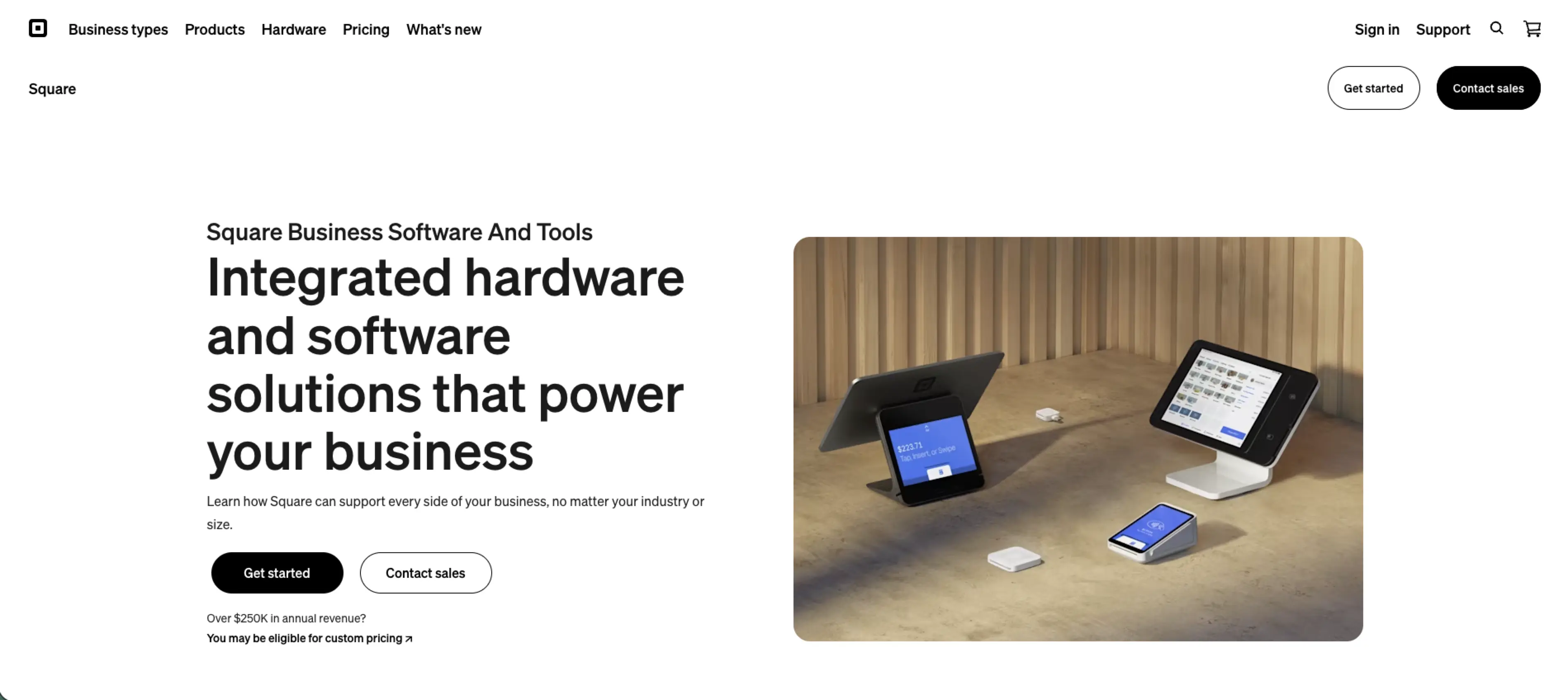
Quick Summary: Square for Restaurants integrates basic CRM features within its popular POS system. While not as robust as dedicated CRM platforms, it provides essential guest management tools without additional complexity. Perfect for smaller operations already in the Square ecosystem.
Key features for restaurants:
- Automatic customer directory from transactions
- Simple loyalty program setup
- Basic email marketing tools
- Integration with Square’s broader services
Pros:
- Seamless integration if already using Square POS
- No additional software to learn or manage
- Competitive pricing for small restaurants
Cons:
- Limited CRM features compared to dedicated platforms
- Best value only if already using Square
Pricing: $49-149/month depending on plan
5. OpenTable
Rating: 4.0/5
Best for restaurants prioritizing reservation management with CRM features
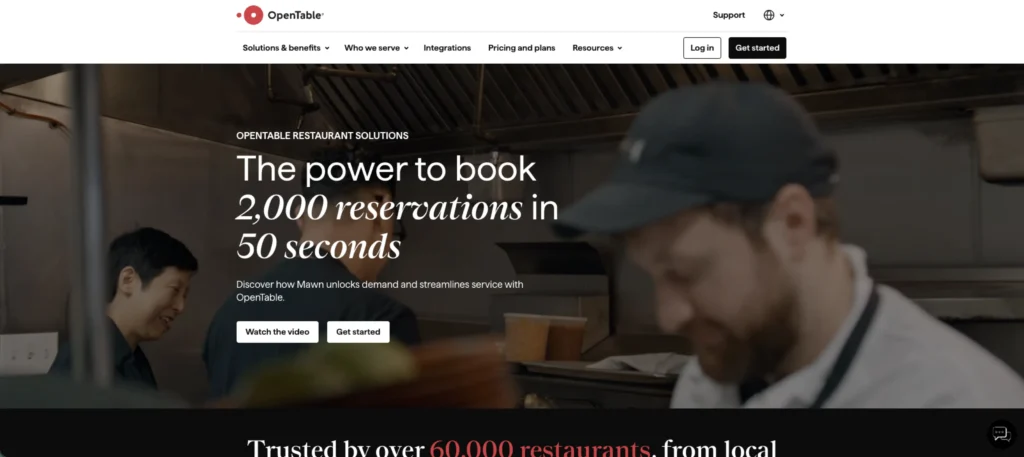
Quick Summary: OpenTable remains the industry standard for online reservations while offering growing CRM capabilities. The platform’s massive diner network drives new customers while helping manage relationships with existing guests. Recent updates have strengthened its marketing and guest management features.
Key features for restaurants:
- Industry-leading reservation management system
- Guest notes and dining history tracking
- Integration with OpenTable’s diner network
- Basic marketing and communication tools
Pros:
- Unmatched reach for attracting new diners
- Trusted brand that guests recognize
- Strong reservation and table management
Cons:
- Primarily focused on reservations, not full CRM
- Per-cover fees can add up quickly
Pricing: Starting at $149/month plus per-cover charges
6. Fishbowl
Rating: 3.9/5
Best for data-driven restaurants focused on analytics and insights
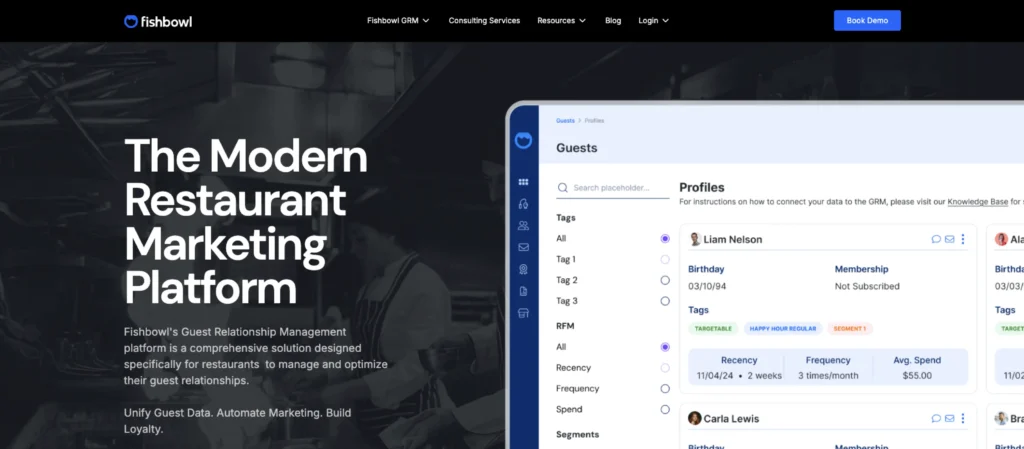
Quick Summary: Fishbowl specializes in turning restaurant data into actionable insights. The platform excels at guest segmentation and behavior analysis, helping restaurants understand not just who their customers are, but why they visit. It’s ideal for operators who love diving deep into data.
Key features for restaurants:
- Advanced guest analytics and segmentation
- Predictive modeling for guest behavior
- Comprehensive campaign management tools
- Multi-location performance comparisons
Pros:
- Unparalleled analytics capabilities
- Excellent segmentation for targeted marketing
- Strong POS integration options
Cons:
- Steep learning curve for non-technical users
- Requires commitment to data-driven operations
Pricing: Starting at $125 per location
7. Popmenu
Rating: 3.7/5
Best for restaurants emphasizing digital marketing and online presence
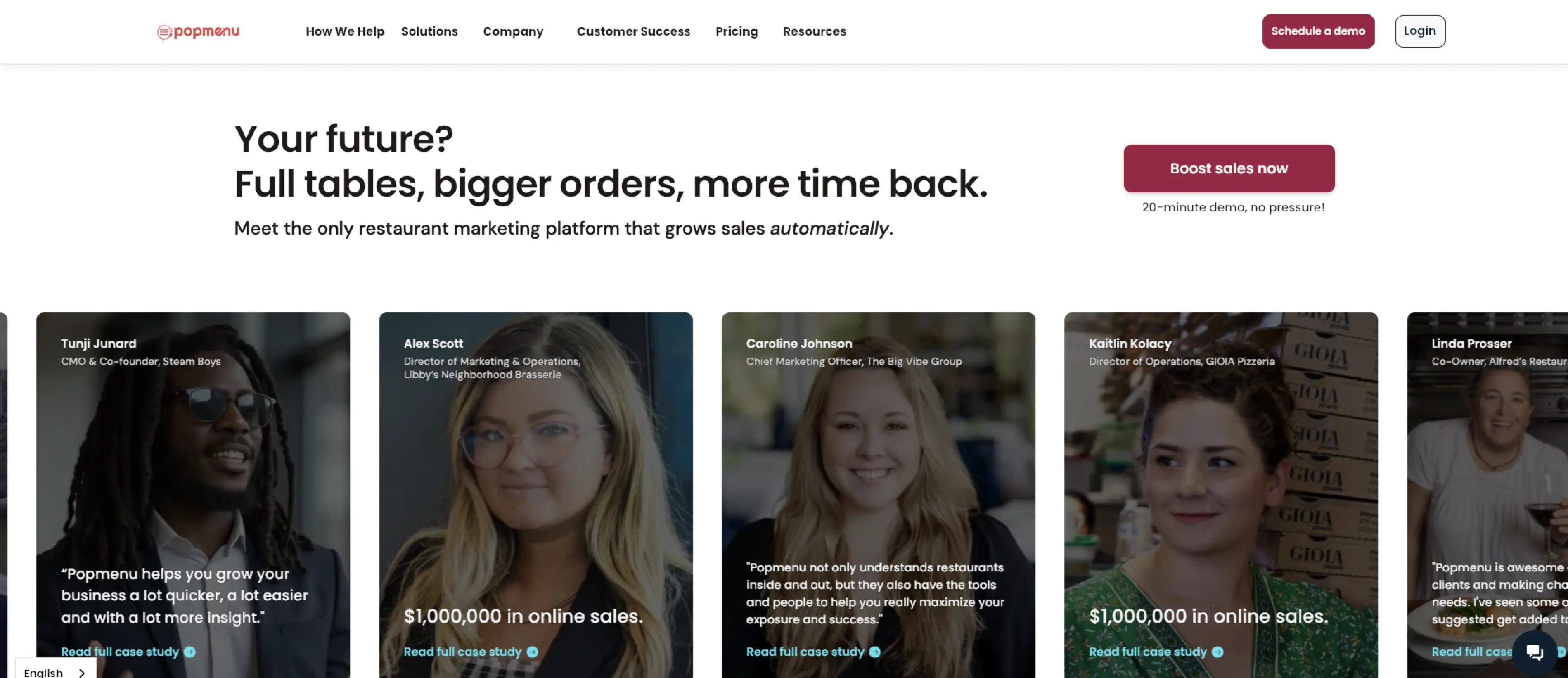
Quick Summary: Popmenu combines website management, digital menus, and basic CRM tools in one platform. While its CRM features are more limited than those of dedicated solutions, the integrated approach appeals to restaurants that want to manage their entire digital presence in one place.
Key features for restaurants:
- Interactive digital menu management
- Website builder with online ordering
- Basic guest database and email marketing
- Social media management tools
Pros:
- All-in-one digital presence management
- Strong tools for menu optimization
- Good value for digital marketing focus
Cons:
- Limited depth in CRM functionality
- Better suited for marketing than operations
Pricing: Starting at $159/month, depending on features
8. Eat App
Rating: 3.5/5
Best for reservation-focused restaurants seeking affordable CRM features
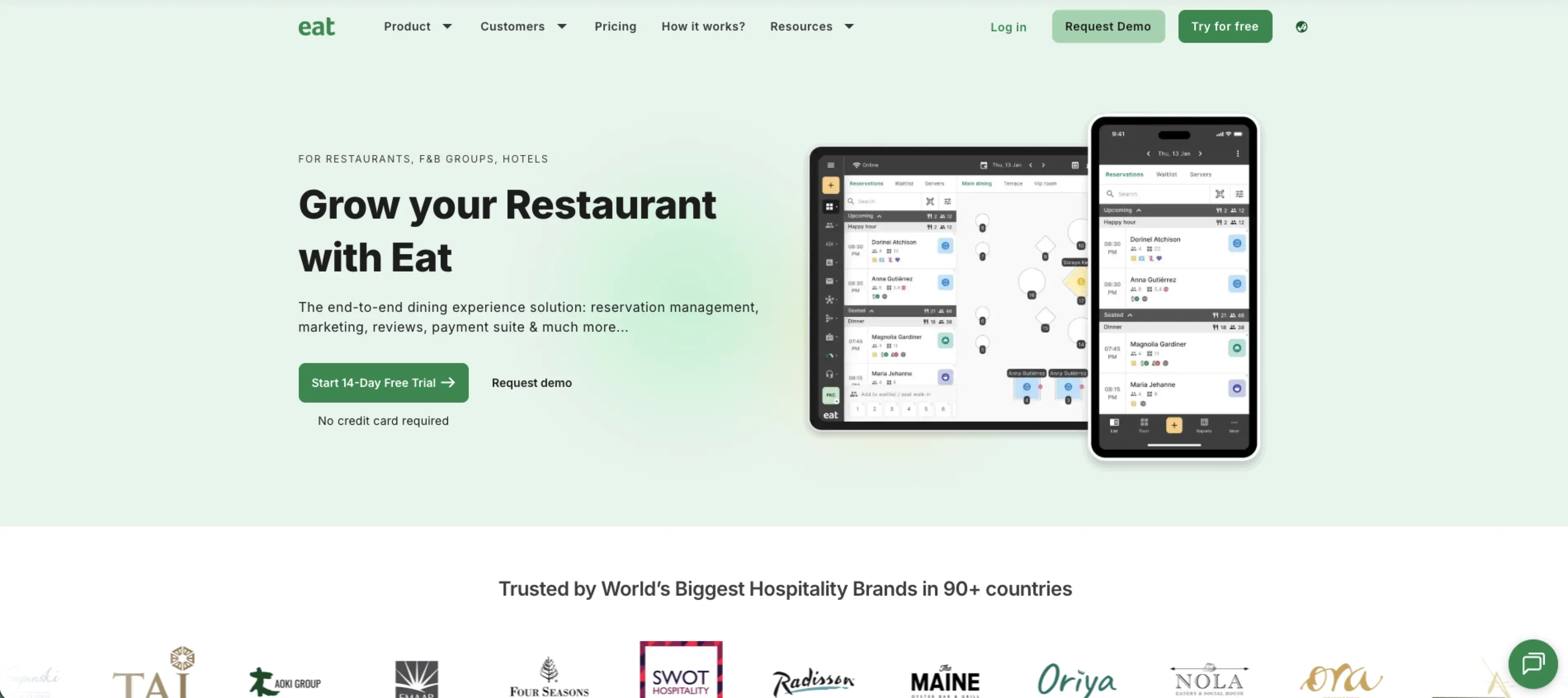
Quick Summary: Eat App provides affordable reservation and guest management for smaller restaurants. While it lacks the sophistication of premium platforms, it covers essential CRM basics at a price point that works for independent operators and small chains.
Key features for restaurants:
- Simple reservation and table management
- Basic guest database with tags
- Automated confirmation and reminder messages
- Simple marketing campaign tools
Pros:
- Very affordable for small restaurants
- Easy to learn and implement
- Good starter CRM for growing concepts
Cons:
- Limited features compared to competitors
- Basic functionality may not scale well
Pricing: Starting at $49/month, with additional add-ons available
9. HubSpot
Rating: 3.3/5
Best for restaurants wanting powerful marketing automation capabilities
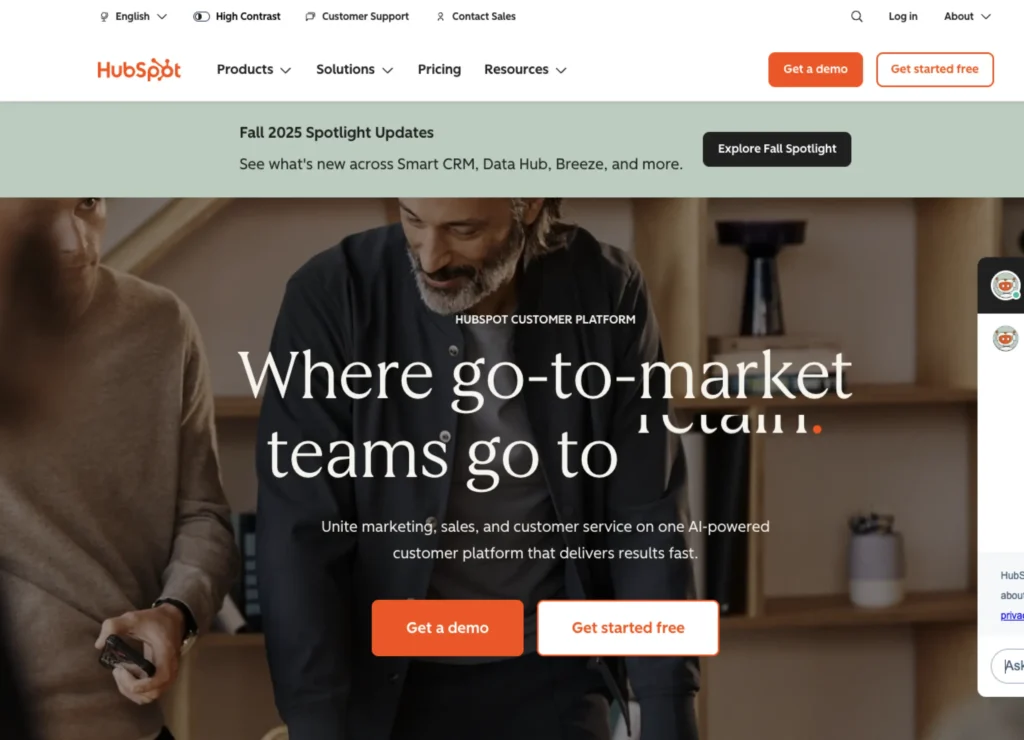
Quick Summary: HubSpot brings enterprise-grade marketing automation to restaurants willing to customize a general CRM. While not restaurant-specific, its powerful tools enable sophisticated customer journeys and multi-channel campaigns. The free tier makes it accessible for testing.
Key features for restaurants:
- Advanced marketing automation workflows
- Sophisticated email campaign builders
- Detailed customer journey mapping
- Extensive third-party integrations
Pros:
- Incredibly powerful marketing capabilities
- Free tier available for small operations
- Vast ecosystem of integrations
Cons:
- Not designed specifically for restaurants
- Requires significant customization effort
Pricing: Free tier available, paid plans from $45/month
How to choose the right CRM for your restaurant
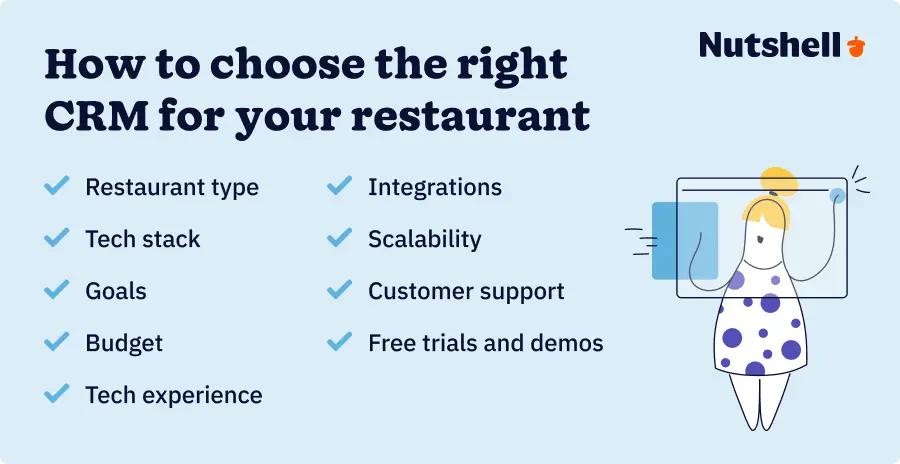
So, how do you know which CRM is right for your restaurant? Go through the following steps to figure out which option will work best for your business.
Consider your restaurant type
Start by honestly assessing your restaurant type and ambitions when selecting restaurant CRM software. Fine dining establishments need sophisticated preference tracking and reservation management, making SevenRooms or OpenTable strong contenders.
Casual dining chains benefit from the flexibility and scalability of platforms like Nutshell or Toast. Single-location neighborhood spots might find Square for Restaurants or Eat App perfectly adequate for their requirements.
Assess your current situation and needs
Next, create a decision framework by answering these critical questions. What’s your current tech stack—do you need a CRM that integrates with existing POS and reservation systems, or are you ready for an all-in-one solution?
What’s your primary goal—increasing retention rates, improving operational efficiency, or launching sophisticated marketing campaigns? What’s your realistic budget, including setup costs, monthly fees, and staff training time? How tech-savvy is your staff, and how much turnover do you experience?
Determine your integration requirements
Build an integration requirements checklist before making any decisions. List every system that needs to connect with your CRM: POS, reservation platform, loyalty program, gift cards, delivery apps, and accounting software.
Check each CRM’s integration capabilities against this list. Remember, manual data entry kills adoption—the more automated your data flow, the more successful your implementation.
Factor in scalability
Consider scalability even if you’re currently a single location. The best affordable CRM for restaurants grows with your business, adding locations, users, and features without requiring a complete platform change.
Look for solutions offering modular pricing where you pay only for what you use today while maintaining the ability to expand tomorrow.
Test options with free trials and demos
Finally, take advantage of free trials and demos. Test each platform with real scenarios from your restaurant.
Can servers quickly access guest information during rush periods? Does the marketing automation actually save time? How responsive is customer support when you’re stuck? These hands-on experiences reveal far more than any feature list.
See first-hand what Nutshell can do!
Give Nutshell a try for 14 days or let us give you a personalized walk-through.
Restaurant CRM implementation: Timeline and best practices
A successful CRM rollout follows a simple, phased approach that minimizes disruption to your operations. Here’s an example of a simple four-step CRM implementation plan for restaurants.
- Setup and configuration: In the initial setup phase, customize fields for your restaurant’s needs, build guest segments, and create initial automation workflows.
- Data migration: Next, migrate existing customer data from spreadsheets, POS systems, and reservation platforms while setting up integrations.
- Staff training: Provide training to staff, starting with power users who’ll champion the system. Don’t feel every employee needs to understand the whole system. Start small and train your staff on the things that will impact their day-to-day.
- Full rollout: Finally, have a soft launch with select staff members, gathering feedback and refining your processes. Then roll out the new system to your whole staff.
Aim for some quick wins in your first 30 days to build momentum and demonstrate value. Examples include:
- Launching automated birthday campaigns to show immediate ROI through increased visits
- Identifying and tagging your VIP guests (top 20% by spending) for special recognition
- Setting up automated feedback requests 24 hours after visits to improve online reviews
- Creating a “regulars” segment for exclusive offers that make loyal guests feel valued
Common pitfalls to avoid include:
- Trying to do everything at once—Instead, phase your rollout.
- Adding low-quality data to your CRM—Instead, clean your data before uploading it.
- Making the CRM “one more thing” staff must do—Instead, integrate it into existing workflows
Calculating ROI: What to expect from your restaurant CRM investment
Real-world success stories demonstrate CRM’s transformative power. Chipotle grew its rewards program from 1 million to 17 million members, now driving 30% of total sales through loyalty. While your restaurant might not match Chipotle’s scale, the principles remain the same—systematic guest engagement drives measurable revenue growth.
Here’s a simple formula for estimating ROI for your restaurant. Take your current annual revenue from repeat guests (typically 60% of total revenue). Multiply by 0.05 to model a conservative 5% improvement through better retention and frequency. Factor in reduced marketing costs from better targeting and operational efficiency from automation, and the payback period becomes even shorter.
Consider this example calculation for an average full-service restaurant:
- Annual revenue: $1.5 million.
- Repeat guest revenue (60%): $900,000.
- 5% improvement: $45,000 additional annual revenue.
- CRM investment: $200/month or $2,400/year.
- First-year ROI: 18.75x. And that’s before counting reduced marketing waste, improved operations, and higher average check sizes from personalization.
Most restaurants see positive ROI within 3-6 months when properly implementing restaurant CRM with POS integration. The key is starting with high-impact initiatives like birthday campaigns and VIP recognition before expanding to more sophisticated segmentation. Long-term compound benefits multiply these returns—a guest retained today continues generating revenue for years, while their positive word-of-mouth attracts new customers at zero acquisition cost.
Transform your restaurant’s guest experience with the right CRM
The restaurant industry’s typical 75% staff turnover rate makes systematic guest relationship management essential, not optional. Without CRM, valuable customer knowledge walks out the door with every departing employee, forcing you to rebuild relationships from scratch. The right CRM preserves this institutional knowledge while automating the personalized touches that transform one-time diners into lifelong regulars.
Our top three recommendations address different restaurant needs while delivering exceptional value. Nutshell excels for growing restaurants seeking powerful capabilities without complexity—its intuitive interface means new staff can start building guest relationships immediately. Toast provides the ultimate all-in-one solution for restaurants wanting integrated POS and CRM functionality. SevenRooms delivers sophisticated guest management tools that upscale establishments need to create memorable experiences.
Remember, the best CRM for restaurants isn’t necessarily the one with the most features—it’s the one your team will actually use. Consider your specific needs, integration requirements, and growth plans when making your selection. Whether you choose a restaurant-specific platform or customize a flexible solution like Nutshell, the key is starting your CRM journey today.
Ready to transform how your restaurant builds guest relationships? Nutshell offers a 14-day free trial with no credit card required, letting you experience firsthand how the right CRM can revolutionize your operations. Our team understands the unique challenges restaurants face and can help you configure a system that grows with your business.
The future of restaurant success lies not in constantly chasing new customers, but in nurturing deeper relationships with the guests you already serve. With the right CRM partner, you’ll build the foundation for sustainable growth that weathers any storm.
Best restaurant CRM FAQs
-
1. Do restaurants really need a CRM?
Given that 60% of restaurant revenue comes from repeat guests, a CRM is essential for systematic and scalable customer relationship management. In a competitive market, personalizing experiences through CRM drives loyalty, prevents knowledge loss from staff turnover, and enables targeted marketing.
-
2. What’s the difference between a POS system and a CRM?
Think of your POS as the transaction recorder and your CRM as the relationship builder. POS systems excel at processing payments, managing inventory, and tracking sales—they tell you what was purchased. CRM systems focus on who made those purchases, why they chose your restaurant, and how to bring them back.
While POS captures transaction data, CRM transforms it into actionable insights about guest preferences, visit patterns, and lifetime value. The magic happens when both systems integrate, automatically building rich guest profiles from every transaction.
-
3. How much does restaurant CRM software typically cost?
Restaurant CRM pricing varies. Free tiers exist, but often include hidden customization costs. Most full-featured CRMs cost $50-250/month, while enterprise solutions exceed $500. Prices depend on locations, guest database size, features, and integrations. Factor in setup, training, and potential revenue impact for total cost.
-
4. Can I use a general CRM like Nutshell for my restaurant?
Yes. General CRMs, like Nutshell, often offer more value than restaurant-specific solutions due to their customization flexibility. You can create custom fields for dietary restrictions, table preferences, and special occasions, and build automations for birthday campaigns and VIP alerts.
You can also design custom pipelines for catering and event management. With proper configuration, a general CRM can match or exceed restaurant-specific functionality at a lower cost.
-
5. How long does it take to see ROI from a restaurant CRM?
Most restaurants see positive returns within 3-6 months of proper implementation. Quick wins come from automated birthday campaigns, targeted win-back offers, and improved table management for VIP recognition.
A 5% improvement in retention can generate 25-95% profit increases over time. Long-term benefits compound as you build richer guest profiles, refine segmentation, and optimize marketing spend based on actual ROI data.
-
6. What CRM features are most important for small restaurants?
Small restaurants should prioritize ease of use above all—complex systems won’t get adopted by busy staff. Look for basic guest profile management with custom fields for preferences and restrictions. Simple marketing tools for birthday campaigns and promotional emails deliver immediate value.
Mobile access ensures servers can check guest information tableside. Start with these fundamentals, then expand functionality as your team becomes comfortable and your needs grow.
See Nutshell in action!
Try Nutshell free for 14 days or let us show you around before you dive in.
 BACK TO TOP
 Written by
Kevin Randolph Partnerships and Outreach SpecialistEdited by
Will Gordon Sr. Director of MarketingReviewed by
Andy Fowler Co-FounderReady to try
Nutshell for Free?Thank you! Your submission has been received!Oops! Something went wrong while submitting the form.


Announcing Nutshell Drip Sequences: Deliver a Perfectly Timed Email Series Without a Single Click
Published on: December 8, 2022
Sales Tactics Encyclopedia: 19 Timeless Sales Strategies That Work (And 7 Old-Fashioned Tactics That Don’t!)
Published on: November 10, 2022
Sales Performance Reviews: 9 Tips to Make Them Valuable
Published on: November 10, 2022Best Zendesk Sell Alternatives: Top 5 CRM Replacements Ranked
Published on: September 16, 2025Join 30,000+ other sales and marketing professionals. Subscribe to our Sell to Win newsletter!










