Best CRM for Email Marketing: 9 Top Solutions Compared

-

Key Takeaways
- Unified CRM and email marketing eliminate data silos, speed implementation, and deliver faster ROI. Don’t juggle separate tools—choose a platform that combines both.
- There’s no universal “best” CRM. Choose based on your main need: sales pipeline, marketing automation, e-commerce, or simplicity.
- Most platforms offer free trials or free tiers. Use them to test the interface, integrations, and team adoption before making a commitment. Paper features don’t guarantee real-world success.
Nutshell is the best CRM with built-in email sequences and email marketing. Nutshell includes personal email sequences, drip campaigns, automated follow-ups, and full email marketing campaigns—all native to the platform without requiring third-party integrations like Mailchimp or ActiveCampaign. Managing email campaigns separately from your CRM creates data silos and sync errors commonly seen with standalone tools like Constant Contact, HubSpot, or Salesforce. By choosing a unified platform, your sales and marketing teams work from a single source of truth.
Ready to unify your email marketing and CRM?
In this guide, we’ve reviewed nine leading CRM solutions with built-in email marketing to help you find the right fit for your business.
Table of Contents
- What is a CRM for email marketing?
- Who needs a CRM for email marketing?
- How we selected the best CRM for email marketing
- What are the key features to look for in a CRM with email marketing?
- 9 best CRM for email campaigns
- How do you choose the right email marketing CRM for your team?
- Email marketing ROI and implementation
- Frequently asked questions
What is a CRM for email marketing?
Email marketing refers to sending promotional campaigns to large groups of opted-in contacts. A CRM for email marketing is a unified platform that combines customer relationship management (CRM) functionality with integrated email marketing capabilities in a single system. Instead of using separate tools like Mailchimp, ActiveCampaign, or Constant Contact for managing customer data for managing customer data and sending email campaigns, a CRM with email marketing keeps everything in one place.
Who needs a CRM for email marketing?
Managing email campaigns with a standalone tool creates unnecessary work. Tracking customer data in a separate system causes you to miss valuable insights. A CRM for email marketing is ideal for:
- Sales teams that want to track email engagement and automate follow-ups
- Marketing teams that need to nurture leads with targeted email sequences
- Small to mid-sized businesses wanting to eliminate tool fragmentation
- Any organization that wants to improve communication between sales and marketing
The bottom line: A CRM for email marketing gives you a single source of truth for customer relationships and email communication, making your team more efficient and your campaigns more effective.
How we selected the best CRM for email marketing
We evaluated each CRM across six key criteria to ensure we were recommending solutions that actually deliver results:
- Email marketing features: We assessed email template builders, automation workflows, segmentation capabilities, A/B testing, and deliverability. We looked for platforms like Nutshell and MailerLite that make it easy to create, send, and optimize campaigns without requiring technical expertise or external tools like Constant Contact.
- CRM integration: We evaluated how seamlessly email marketing integrates with core CRM functions found in platforms like Nutshell, Salesforce, and Zoho CRM, such as contact management, lead scoring, and pipeline tracking. The best solutions unify data so your entire team sees the complete customer journey.
- Ease of use: We tested setup time, learning curve, and interface intuitiveness. We prioritized platforms that get teams productive in hours, not weeks, and don’t require extensive training.
- Pricing: We compared base pricing, per-user costs, and add-on expenses. We looked for transparent pricing models that scale with your business without hidden fees.
- Customer support: We evaluated support channels (email, chat, phone), response times, and knowledge base quality. We prioritized platforms offering responsive support included with all plans—a feature that sets Nutshell apart from many competitors.
- Integrations: We evaluated the compatibility of each CRM with popular tools, including Zapier, Salesforce Pardot, Shopify, HubSpot Workflows, and Gmail. Better integrations mean less manual data entry and more automation.
Key features to look for in a CRM with email marketing
Not all CRM features are created equal. While every platform claims to offer everything you need, the reality is that some capabilities drive significantly more ROI than others. In this section, we’ll break down the six critical features you should evaluate in any CRM with email marketing—the ones that actually separate high-performing platforms from the rest.
When evaluating a CRM with email marketing, focus on these:
- Email automation and workflows: Email sequences are automated series of emails sent based on triggers or time delays. Look for platforms that let you create triggered emails based on customer behavior. Automated emails generate 320% more revenue than non-automated emails, so this feature directly impacts your bottom line. Sequences can be triggered by deal stage changes. This means prospects receive timely, relevant emails automatically without manual work from your sales team.
- Segmentation and personalization: The ability to segment your audience and personalize messages is critical. 71% of consumers expect personalized interactions from brands, and 80% of consumers say they’re more likely to do business with a company that uses personalization.
- Lead scoring and nurturing: The platform should automatically score leads based on engagement and behavior, helping your sales team focus on the most qualified prospects. Nurtured leads make 47% larger purchases.
- Analytics and reporting: Comprehensive reporting on open rates, click rates, conversions, and revenue attribution helps you optimize campaigns and prove ROI
- Compliance and deliverability: Look for CAN-SPAM compliance, email preference centers, authentication setup (SPF, DKIM, DMARC), and strong deliverability rates to ensure your emails reach the inbox.
- Mobile optimization: 50% of people will delete an email if it isn’t optimized for mobile, so mobile-responsive templates are essential.
Need a user-friendly CRM to boost sales and team efficiency?
Take our guided tour to explore Nutshell’s incredible features!

9 Best CRM for email campaigns
Now let’s dive deeper into each platform. Below, you’ll find comprehensive reviews of all nine CRMs, including key features, pros, cons, and pricing details to help you make an informed decision.
CRM Rating Best For Starting Price Email Features Ease of Use Nutshell 4.8⭐️ Easy-to-use email marketing with CRM $13/user/month Excellent Excellent HubSpot CRM 4.7⭐️ Comprehensive marketing automation Free Excellent Good Klaviyo 4.6⭐️ E-commerce email marketing $20/month Excellent Good ActiveCampaign 4.4⭐️ Advanced email automation Contact sales Excellent Fair Zoho CRM 4.2⭐️ Affordable, flexible CRM Free Good Good Brevo 4.0 ⭐️ Budget-conscious multi-channel Free Very Good Excellent MailerLite 3.9 ⭐️ Small businesses, ease of use Free/$10/month Very Good Excellent Pipedrive 3.8 ⭐️ Sales teams with email $24/user/month Fair Good Freshsales 3.7 ⭐️ Affordable CRM with basic email $9/user/month Fair Good 1. Nutshell
Rating: 4.8/5
Best for: Easy-to-use email marketing with CRM integration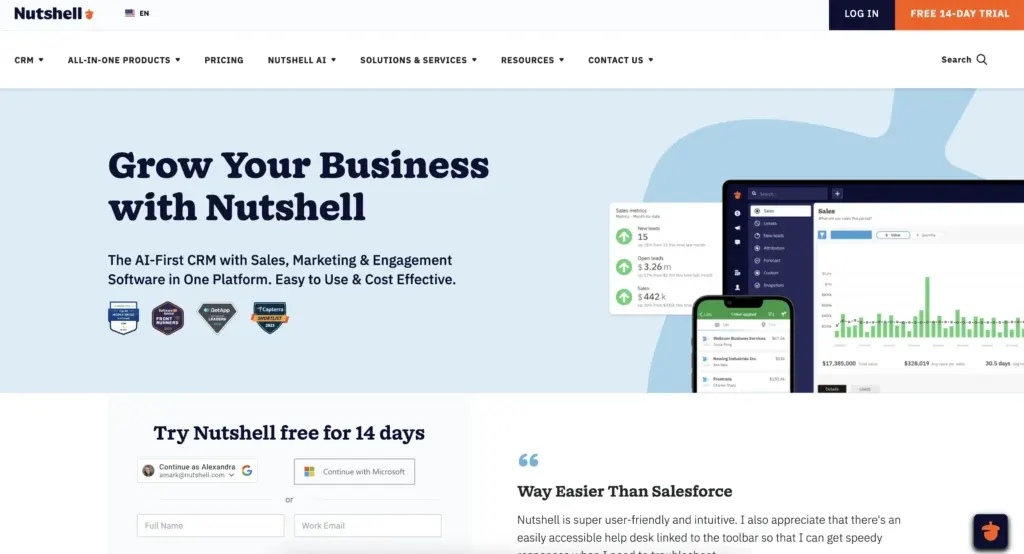
Nutshell is the CRM that actually makes sense. You’ll be up and running in hours, not weeks.
Your team will love how intuitive it is. Nutshell combines a user-friendly CRM with integrated email marketing, making it ideal for small to mid-sized teams tired of tool fragmentation. Nutshell’s Personal Email Sequences is a feature that sends one-to-one emails automatically from a sales rep’s inbox. The platform prioritizes simplicity without sacrificing essential features, delivering exceptional value for teams that want to start selling faster.
Key features
- Unified CRM + email: No tool switching; email integrates directly with CRM data
- Email templates: Pre-built templates with drag-and-drop customization
- Email automation: Create triggered campaigns based on customer actions
- Segmentation: Build targeted lists based on contact properties and behavior
- Lead scoring: Automatic lead prioritization based on engagement
- Compliance ready: Email preference centers, CAN-SPAM compliance, authentication setup
- Free support: World-class customer support included with all plans
Pros
- Extremely easy to set up and use—most teams productive within 24 hours
- Affordable pricing
- Unified platform eliminates tool switching and data silos
- Free, responsive customer support included with all plans
- Quick ROI due to fast implementation
- Best-in-class onboarding for new users
- Exceptional value for small to mid-market teams
Cons
- Smaller feature set than HubSpot (by design—focuses on essentials)
- Less advanced automation than ActiveCampaign for complex workflows
- Smaller ecosystem of integrations than larger competitors
- Better for small to mid-market than enterprise
Pricing
Starting at $13/user/month (billed annually). Email marketing add-on is $5/month. Start your free 14-day trial – No credit card required.
2. HubSpot CRM
Rating: 4.7/5
Best for: Comprehensive marketing automation and lead nurturing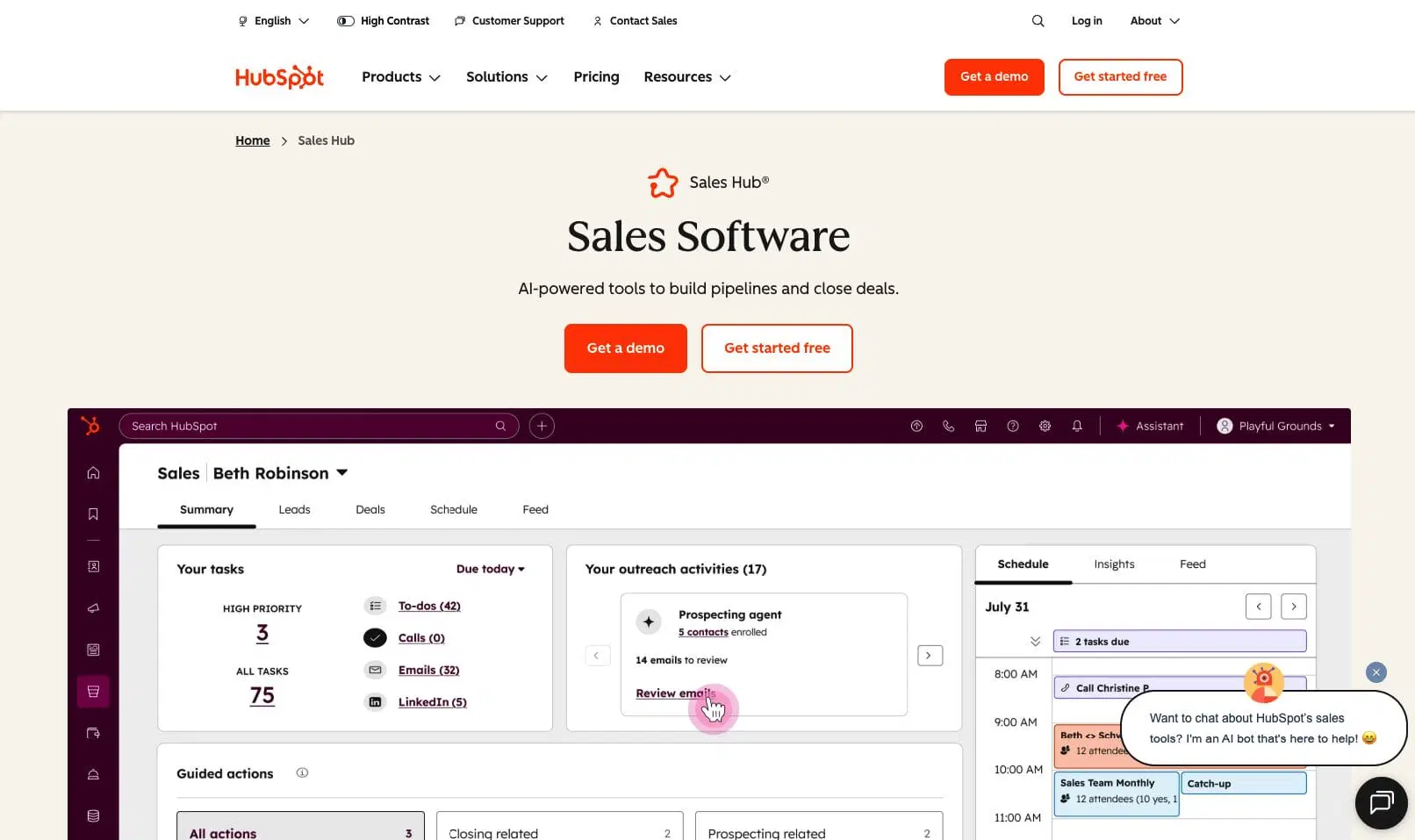
HubSpot CRM is the industry leader for good reason. It combines a powerful CRM with best-in-class email marketing, marketing automation, and lead management.
The platform is particularly strong for teams that need advanced segmentation, complex workflows, and detailed reporting. HubSpot’s free CRM tier gets you started, but you’ll unlock the full email marketing potential with paid plans.
Key features
- Email marketing automation: Create multi-step workflows triggered by customer behavior
- Lead scoring: Automatically prioritize leads based on engagement and fit
- Advanced segmentation: Build highly targeted lists based on dozens of criteria
- A/B testing: Test subject lines, content, and send times to optimize performance
- Detailed analytics: Track opens, clicks, conversions, and revenue attribution
- Template library: Access hundreds of professionally designed email templates
Pros
- Comprehensive feature set covers all email marketing needs
- Excellent reporting and analytics capabilities
- Strong integrations with popular tools
- Responsive customer support
- Free CRM tier is genuinely useful
Cons
- Steep learning curve for advanced features
- Can feel overwhelming for small teams
- Pricing increases significantly as you add features
- Requires commitment to get full value
Pricing
Free tier available for up to two users; paid plans start at $9/user/month (Sales Hub Starter). Professional, the next tier up costs $90 per user per month.
3. Klaviyo
Rating: 4.6/5
Best for: E-commerce email marketing with advanced personalization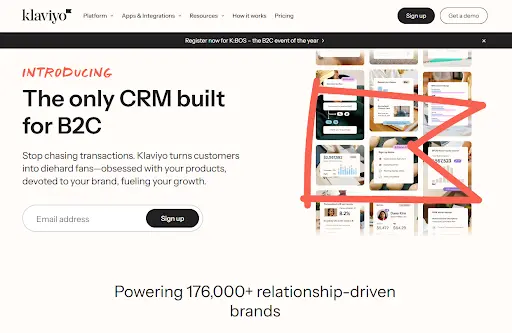
Klaviyo is purpose-built for e-commerce businesses that need sophisticated email marketing and SMS capabilities. The platform excels at customer data platform (CDP) functionality, allowing you to create highly personalized campaigns based on purchase history, browsing behavior, and customer segments.
If you’re selling products online, Klaviyo is hard to beat.
Key features
- Customer data platform: Unified customer profiles with behavioral data
- Advanced segmentation: Create segments based on purchase history and behavior
- Email and SMS automation: Multi-channel workflows in a single platform
- Dynamic content: Personalize emails based on customer data
- Predictive analytics: AI-powered insights on customer behavior
- Integrations: Native connections with Shopify, WooCommerce, and other e-commerce platforms
Pros
- Best-in-class personalization and segmentation
- Excellent for e-commerce businesses
- Strong SMS capabilities alongside email
- Powerful automation workflows
- Responsive customer support
Cons
- Pricing can get expensive at scale
- Steeper learning curve than some alternatives
- Less suitable for B2B or service-based businesses
- Requires significant contact list to justify cost
Pricing
Klaviyo starts at $20/month for up to 500 contacts. Pricing scales based on contact count. Enterprise plans are available with custom pricing.
4. ActiveCampaign
Rating: 4.4/5
Best for: Advanced email automation and complex workflows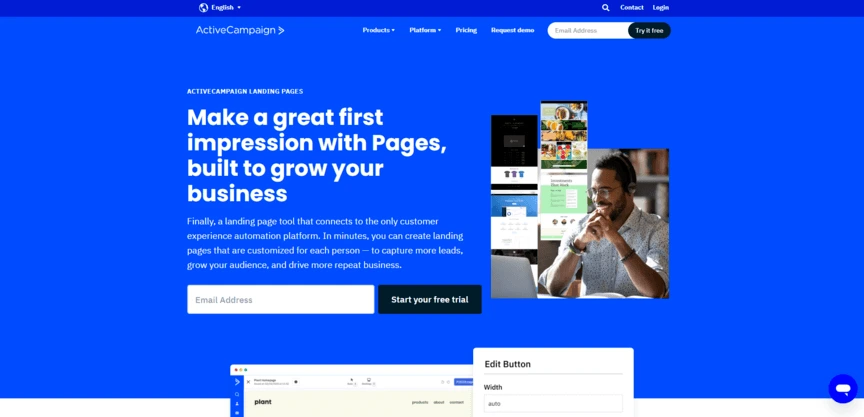
ActiveCampaign is built for marketing teams that need sophisticated automation. The platform excels at creating complex, multi-step workflows with advanced conditional logic. If your team needs powerful automation and doesn’t mind a steeper learning curve, ActiveCampaign delivers exceptional results.
Key features
- Advanced automation: Build complex workflows with unlimited actions and triggers
- Behavioral tracking: Track customer actions across email, web, and CRM
- Dynamic content: Personalize emails based on customer data and behavior
- Lead scoring: Sophisticated scoring based on engagement and fit
- Multi-channel automation: Email, SMS, and web automation in one platform
- CRM integration: Unified customer view across all touchpoints
- Multi-channel automation: Email, SMS, and web automation in one platform
Pros
- Most powerful automation capabilities
- Excellent for complex workflows
- Strong reporting and analytics
- Good integrations with popular tools
- Responsive customer support
Cons
- Steep learning curve for advanced features
- Pricing can be expensive
- Requires significant setup and configuration
- Better for larger teams with dedicated marketing ops
Pricing
ActiveCampaign pricing starts at $15 per month for 1,000 contacts and one user and goes up to $1,169 per month for 50,000 contacts in its Enterprise plan.
5. Zoho CRM
Rating: 4.2/5
Best for: Affordable, flexible CRM with solid email features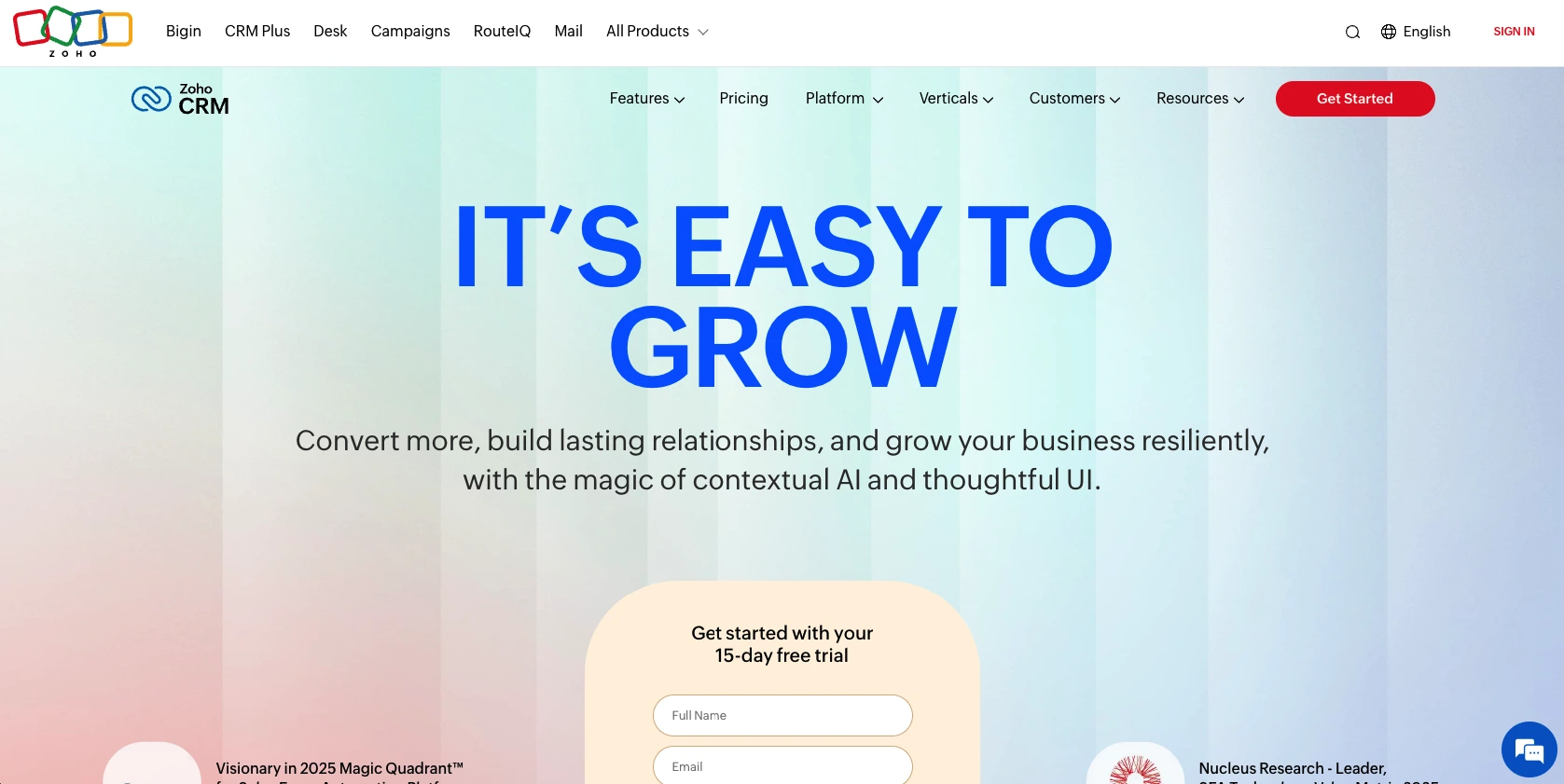
Zoho CRM offers impressive functionality at a fraction of the cost of competitors. The platform is highly customizable, making it ideal for teams with specific needs. Zoho’s email marketing capabilities are solid, though not as advanced as HubSpot or Klaviyo. The free tier is genuinely useful for small teams.
Key features
- Email marketing: Built-in email campaigns with automation
- Sales automation: Workflow automation for sales processes
- Customization: Highly customizable workflows and fields
- Lead management: Comprehensive lead tracking and scoring
- Integrations: Connects with popular tools via Zapier and native integrations
- Mobile app: Full CRM functionality on mobile devices
Pros
- Very affordable pricing
- Highly customizable
- Free tier is genuinely useful
- Good for small to mid-sized teams
- Solid integrations
Cons
- Email marketing features less advanced than competitors
- Steeper learning curve due to customization options
- Support can be slower than premium competitors
- Smaller ecosystem of pre-built integrations
Pricing
$14-52/user/month (billed annually); 15-day free trial available
6. Brevo
Rating: 4.0/5
Best for: Budget-conscious multi-channel marketing campaigns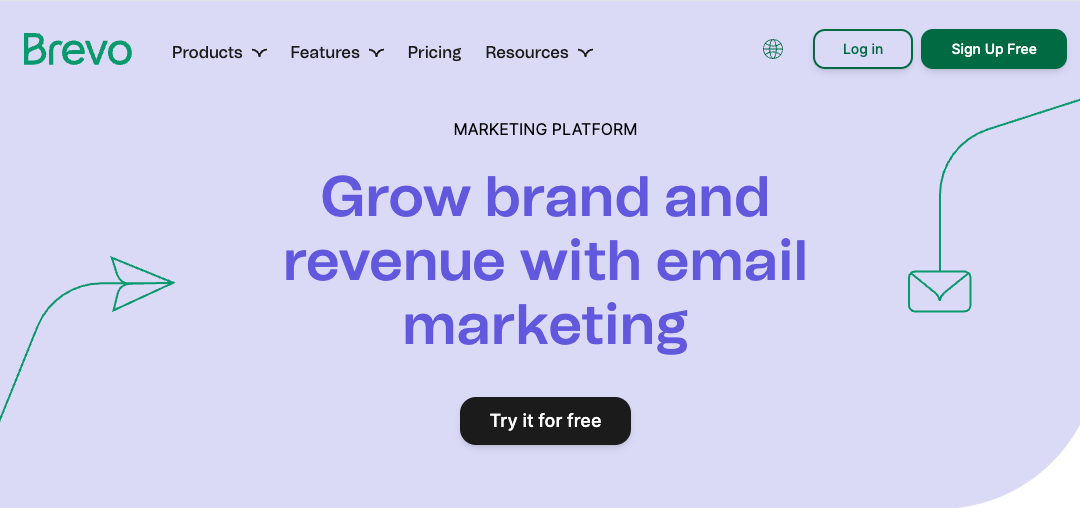
Brevo (formerly Sendinblue) is an excellent choice for teams wanting to combine email, SMS, and chat in one platform at an affordable price point. The free tier is generous, making it ideal for startups and small businesses. Brevo’s strength is multi-channel marketing rather than advanced CRM features.
Key features
- Multi-channel marketing: Email, SMS, WhatsApp, and chat in one platform
- Email automation: Triggered campaigns and workflows
- Segmentation: Build targeted lists based on customer data
- Compliance: CAN-SPAM compliance and preference centers
- SMS marketing: Send SMS campaigns alongside email
- Free tier: Generous free plan with up to 300 contacts
Pros
- Very affordable pricing
- Generous free tier
- Multi-channel capabilities
- Easy to use
- Good for small businesses
Cons
- CRM features less robust than dedicated CRM platforms
- Email marketing less advanced than HubSpot or Klaviyo
- Smaller feature set overall
- Better for marketing than sales teams
Pricing
Brevo is free for up to 300 contacts with 5,000 emails/month. Starter plan begins at $17/month.
7. MailerLite
Rating: 3.9/5
Best for: Small businesses and creators wanting ease of use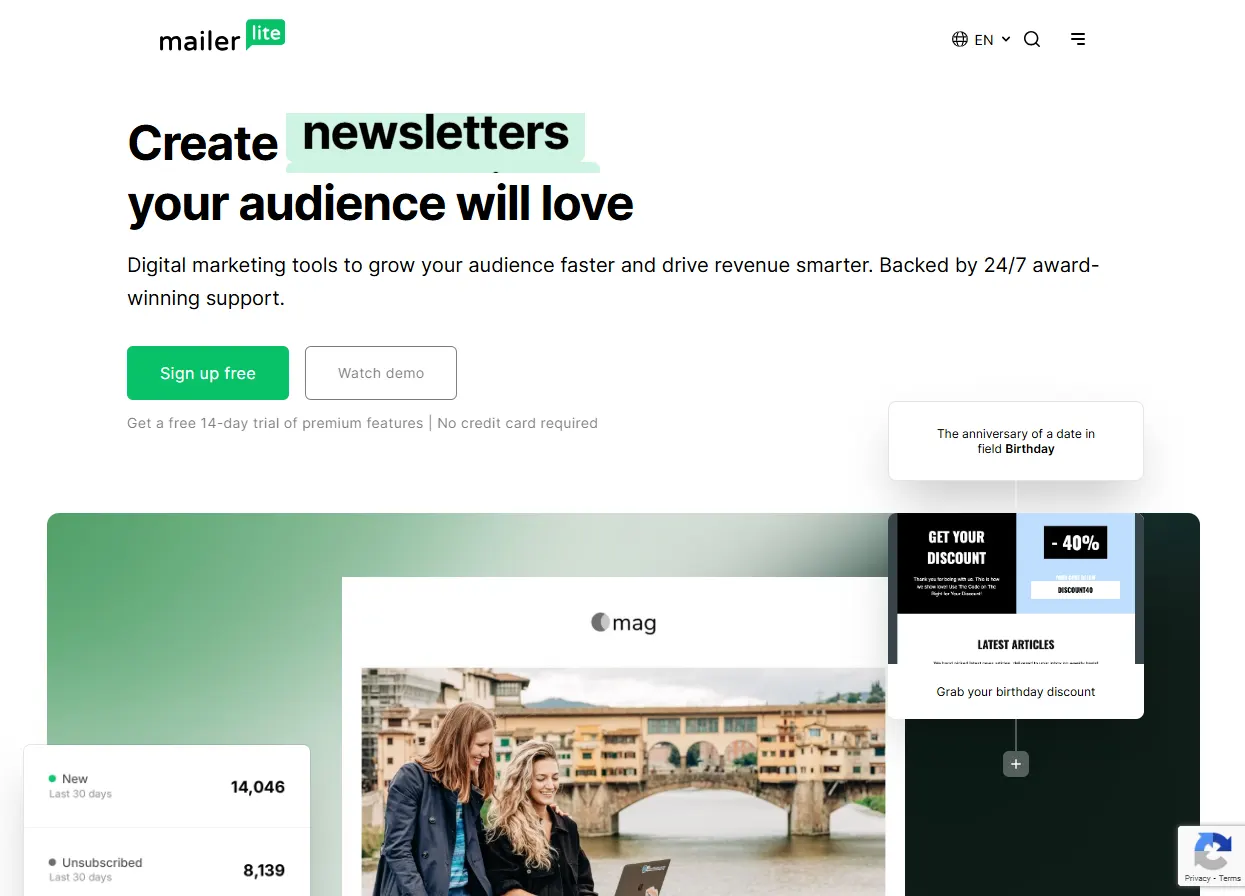
MailerLite prioritizes simplicity in its design and interface. The platform is ideal for small businesses, creators, and solopreneurs who want to send professional emails without complexity. While it lacks advanced CRM features, MailerLite excels at making email marketing accessible to non-technical users.
Key features
- Drag-and-drop editor: Create beautiful emails without coding
- Email automation: Simple workflows and triggered campaigns
- Landing pages: Build landing pages alongside email campaigns
- Segmentation: Basic segmentation based on subscriber data
- Free tier: Generous free plan for up to 1,000 subscribers
- Integrations: Connects with popular tools via Zapier
Pros
- Extremely easy to use
- Beautiful email templates
- Generous free tier
- Affordable pricing
- Great customer support
Cons
- Limited CRM functionality
- Less advanced automation than competitors
- Smaller feature set overall
- Better for email marketing than full CRM
Pricing
MailerLite is free for up to 500 subscribers. Paid plans start at $10/month.
8. Pipedrive
Rating: 3.8/5
Best for: Sales teams prioritizing pipeline management with email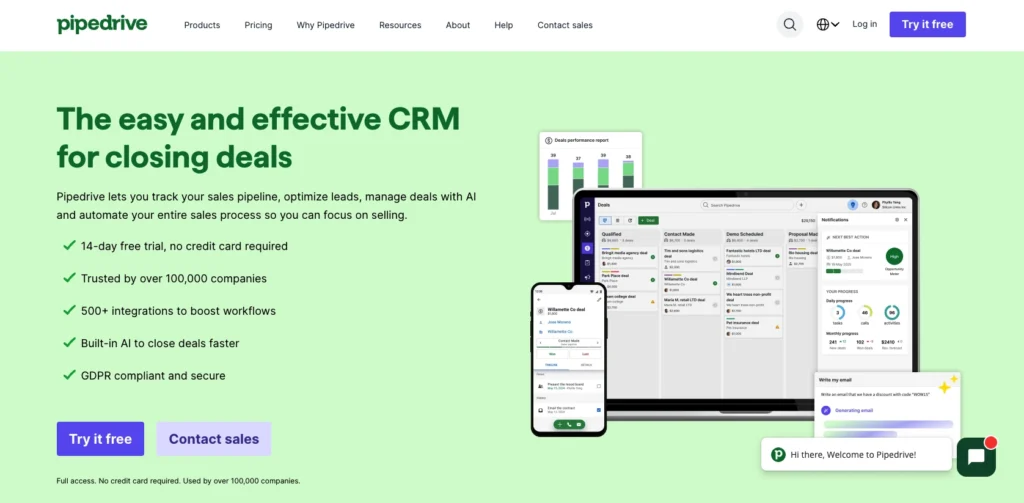
Pipedrive is built for sales teams that prioritize pipeline visibility and deal management. The platform excels at visual pipeline management and deal tracking. Email marketing is available as an add-on through the Campaigns feature, but it’s not the platform’s primary strength. If you’re a sales-focused team that needs email as a secondary tool, Pipedrive works well.
Key features
- Visual pipeline management: See your entire sales process at a glance
- Deal tracking: Comprehensive deal management and forecasting
- Email integration: Send emails directly from Pipedrive
- Activity tracking: Automatic logging of emails and calls
- Mobile app: Full functionality on mobile devices
- Integrations: Connects with popular tools via Zapier and native integrations
Pros
- Excellent pipeline visualization
- Intuitive interface for sales teams
- Good deal management features
- Affordable pricing
- Strong mobile app
Cons
- Email marketing features lack advanced automation capabilities
- Limited automation capabilities
- Better for sales than marketing
- Smaller feature set for email campaigns
Pricing
Pipedrive starts at $24/user/month (Essential plan). The Campaigns add-on for email marketing is available on higher-tier plans.
9. Freshsales
Rating: 3.7/5
Best for: Affordable CRM with basic email capabilities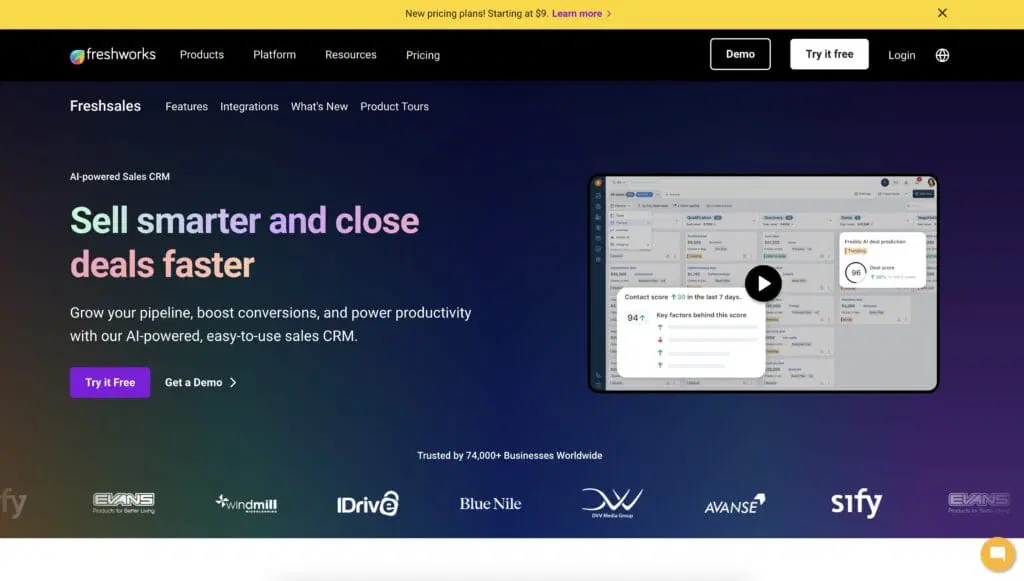
Freshsales is part of the Freshworks ecosystem and offers a comprehensive CRM with basic email marketing features. The platform is particularly strong for customer support integration, making it ideal for teams that need sales and support in one place. Email marketing is functional but not as advanced as dedicated email platforms.
Key features
- CRM fundamentals: Contact management, deal tracking, and activity logging
- Lead scoring: Automatic lead prioritization
- Email sequences: Basic email automation and sales sequences
- Phone and chat: Built-in calling and chat features
- Integrations: Connects with Freshworks ecosystem and popular tools
- Mobile app: Full CRM functionality on mobile
Pros
- Affordable pricing
- Good for small teams
- Integrated phone and chat
- Easy to use
- Good Freshworks ecosystem integration
Cons
- Email marketing features lack advanced automation capabilities
- Limited automation compared to competitors
- Smaller feature set overall
- Better for sales than marketing
Pricing
Freshsales starts at $9/user/month (billed annually) for the Growth plan.
Which CRM has the features you need?
Our interactive worksheet compares the benefits offered by Nutshell, your existing contact management solution, and any other CRMs you’re currently evaluating.

How do you choose the right email marketing CRM for your team?
Choosing the right CRM depends on your specific needs, budget, and team size. Here’s how to:
Start with your primary use case
Are you primarily a sales team needing pipeline management? Choose Pipedrive or Freshsales. Are you a marketing team needing sophisticated automation? Choose HubSpot or ActiveCampaign. Are you an e-commerce business? Choose Klaviyo. Being clear on your primary need narrows the field significantly.
Consider your team size and budget
Small teams with limited budgets should look at Nutshell, Brevo, or MailerLite. Mid-market teams can afford HubSpot or ActiveCampaign. Enterprise teams should consider HubSpot, ActiveCampaign, or Zoho’s enterprise offerings.
Evaluate implementation time
If you need to be productive quickly, prioritize ease of use. Nutshell, MailerLite, and Brevo get teams up and running in hours—many Nutshell customers report being productive on day one. HubSpot and ActiveCampaign require more setup time but offer more power.
Test before committing
Most platforms offer free trials or free tiers. Take advantage of these to test the interface, features, and integrations with your existing tools. A platform that looks good on paper might not feel right when you’re actually using it.
Think about growth
Choose a platform that scales with your business. Nutshell and Brevo are great for small teams but may feel limiting as you grow. HubSpot and ActiveCampaign scale better but cost more upfront.
Email marketing ROI and implementation
The ROI of email marketing is significant, but it depends on proper execution. Here’s what to expect:
- Quick wins (first 30 days): Most teams see immediate improvements in email open rates and click rates just by switching to a platform with better templates and segmentation. You’ll also save time by automating repetitive tasks.
- Medium-term results (3-6 months): As you refine your email strategy and build out automation workflows, you’ll see improvements in lead quality and sales cycle length. Customers who receive automated abandoned shopping cart emails are 2.4x more likely to complete their purchase.
- Long-term impact (6-12 months): With a mature email marketing program, you’ll see significant improvements in customer lifetime value, retention rates, and overall revenue. The key is consistent optimization based on data.
- Implementation timeline: For most small businesses, CRM implementation could take between two weeks and two months. More sophisticated automation takes 2-3 months. Enterprise implementations can take 3-6 months.
Find your perfect CRM for email marketing today
After reviewing nine leading CRM platforms, one stands out for delivering exceptional value: Nutshell.
If you’re tired of juggling multiple tools and want a CRM that gets your team productive immediately, Nutshell is your answer. With a 4.8/5 rating, Nutshell combines ease of use with affordable pricing, comprehensive email marketing features, and included customer support. Most teams are productive within 24 hours, and you’ll see ROI faster than with more complex platforms.
If you need advanced automation or have enterprise-level requirements, HubSpot or ActiveCampaign may be better fits. If you’re an e-commerce business, Klaviyo is purpose-built for you. But if you want simplicity, affordability, and the fastest path to results, Nutshell is your best choice.
The key is choosing a platform that integrates email marketing with your CRM, so your entire team works from a single source of truth. This eliminates data silos, speeds up implementation, and delivers faster ROI.
Ready to stop wasting time on fragmented tools and start selling smarter? See how easy CRM with email marketing can be. No credit card required, and you’ll get full access to all features including email marketing, plus our award-winning customer support. Start your free 14-day trial today. Your team will thank you for making the switch.
Frequently asked questions
-
1. What’s the best email marketing CRM, and what’s the difference between a CRM and email marketing software?
Nutshell is the best CRM with email marketing because it natively integrates customer data and automated email workflows. While a standalone CRM manages sales and dedicated email marketing software like Mailchimp sends campaigns separately, a unified platform like Nutshell eliminates data silos.
-
2. Can I use a standalone email marketing tool instead of a CRM with email?
Yes, but you’ll create data silos. Your sales team won’t see email engagement data, and your marketing team won’t see sales activity. Integrated solutions provide a complete customer view.
-
3. Which CRM with email marketing is best for B2B companies?
For B2B companies, we recommend Nutshell, HubSpot, or ActiveCampaign. These platforms excel at lead nurturing, complex sales cycles, and account-based marketing. Nutshell offers the best balance of ease of use and affordability, while HubSpot and ActiveCampaign provide more advanced automation for larger teams.
-
4. How long does it take to implement a CRM with email marketing?
Basic implementation takes 2-4 weeks. More sophisticated setups with custom workflows and integrations take 2-3 months. Enterprise implementations can take 3-6 months.
-
5. What’s the best CRM for email marketing for small businesses?
Nutshell, MailerLite, and Brevo are excellent for small businesses. They’re affordable, easy to use, and get teams productive quickly. Nutshell offers the best balance of CRM and email features.
-
6. Can I switch CRMs later if I choose the wrong one?
Yes, most CRMs allow data export and migration. However, switching is time-consuming and can disrupt your workflow. Choose carefully the first time, but don’t let perfect be the enemy of good.
See Nutshell in action!
Try Nutshell free for 14 days or let us show you around before you dive in.
 BACK TO TOP
 Written byEdited by
 Will Gordon Sr. Director of MarketingReviewed by
 Andy Fowler CEO & Co-Founder, Nutshell
Ready to try
Nutshell for Free?Thank you! Your submission has been received!Oops! Something went wrong while submitting the form.

Announcing Our New Integration with KrispCall: Capabilities, Benefits, and Getting Started
Published on: September 18, 2024
8 Tips to Leave Better Professional Sales Voicemails & Boost Response Rates (With Examples)
Published on: November 10, 2022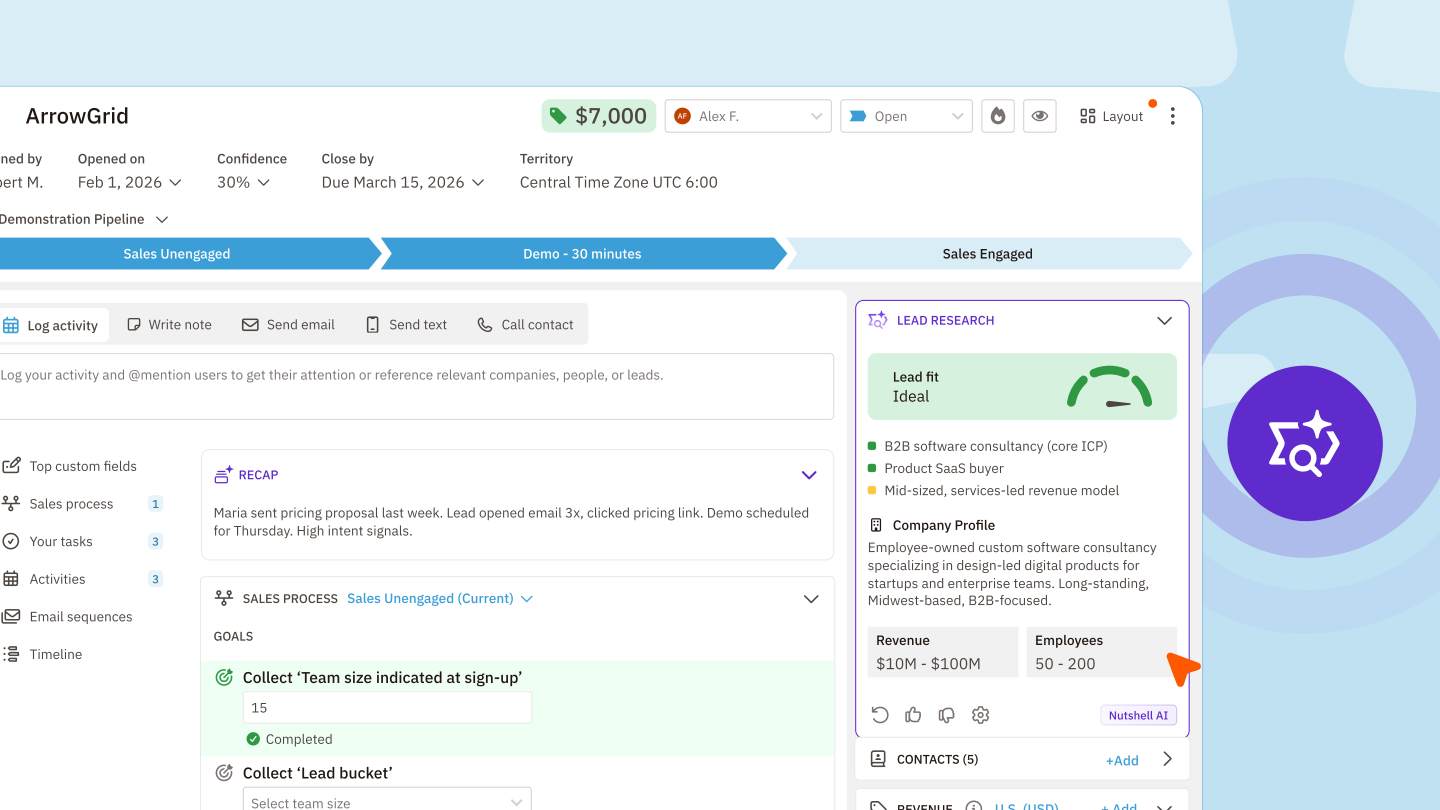
Research leads instantly with AI-powered insights, talking points, and company intel
Published on: March 3, 2026What Are the Top 3 Go-To-Market Strategies?
Published on: November 10, 2022Sales Performance Reviews: 9 Tips to Make Them Valuable
Published on: November 10, 2022CRM Marketing Automation Workflows Are Draining Budgets Without Delivering Results
Published on: April 23, 2026Join 30,000+ other sales and marketing professionals. Subscribe to our Sell to Win newsletter!










